


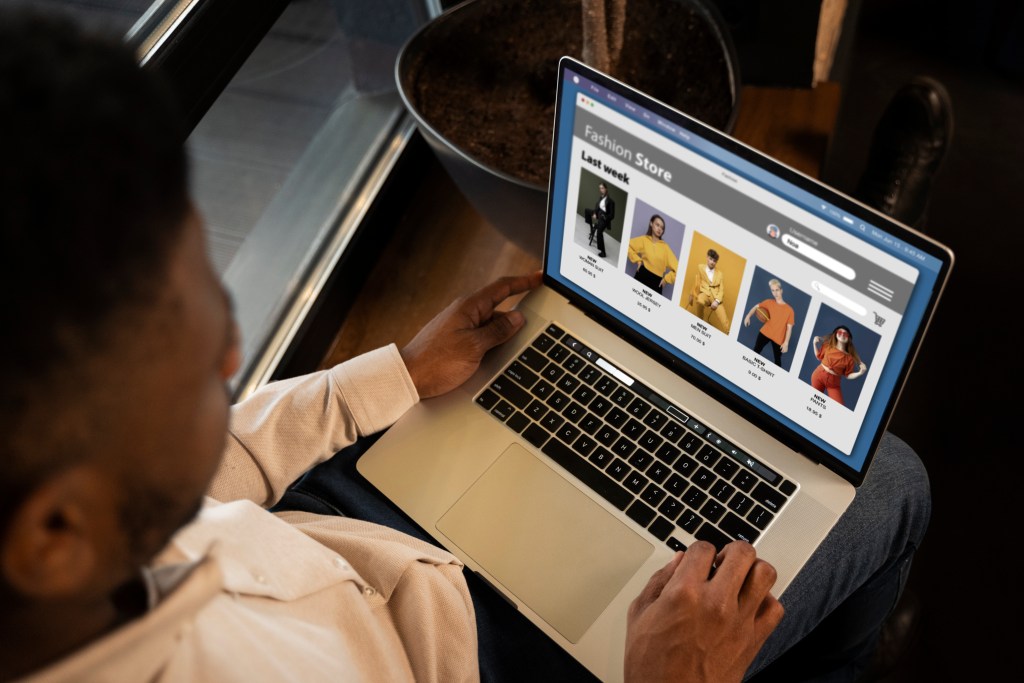
Most people assume online stores only collect information when you make a purchase. You check out, you enter your name, email, card, and shipping address. That’s the part we expect.
But the truth is, online stores collect your data even when you never hit “Buy.”
Yes, just visiting a website can reveal more about you than you think. And the information they gather often ends up in marketing databases, ad networks, analytics tools, and even data broker pipelines.
Here’s what’s really happening behind the scenes, why it matters, and what you can do to protect yourself.
1. They Track Everything You Click
Ever wondered why an item you clicked once starts following you around the internet?
That’s because stores track:
- what you click
- how long you pause
- what you hover over
- what you scroll past
- what you add to cart
- what you almost buy
This data helps stores build a behavioral profile of you, even if you never log in. And yes, this information is often shared with:
- advertising partners
- social platforms
- third-party analytics companies
- data brokers
Most of these companies don’t just use the data for ads. They also store, merge, and resell it.
2. Your Device Tells Them More Than You Think
The moment you visit a store’s website, your device shares a fingerprint that includes:
- your browser type
- your IP address (revealing location)
- your device model
- your operating system
- your screen size
- your time zone
These details help companies identify you across multiple sessions, even without cookies. This method, called device fingerprinting, is nearly impossible for the average user to detect or block.
3. “Guest Checkout” Isn’t Really Private
Most people think guest checkout protects their identity. But here’s what retailers still learn:
- your name
- your physical address
- your email
- your phone number (if added)
And the surprising part is: many stores share this information with “trusted partners,” even if you never make an account. That means your email might end up in marketing databases, in advertising audiences, or even linked to third-party targeting systems. That’s why you sometimes get emails from companies you’ve never interacted with.
4. Your Email Address Becomes a Tracking ID
When a store asks for your email to:
- get a discount
- get notifications
- “save your cart”
- join a mailing list
- unlock a special offer
…it becomes a permanent identifier.
Your email is used to connect:
- your browsing behavior
- your purchase history
- your activity across other websites
- data already stored about you by brokers
Email tracking is increasingly common because it works across apps, devices, and browsers.
5. Abandoned Cart = Lead Generation
When you add something to your cart but leave without buying, many stores use that action to:
- build a profile
- trigger follow-up emails
- target you with ads
- send reminders
- share the data with partners
You may never notice, but that single action can start a chain of new data flows.
6. Stores Match Your Data With Outside Databases
This is the part most shoppers never expect.
Retailers often cross-reference your:
- phone number
- IP address
- purchase patterns
…with information from third-party sources like data brokers.
This helps them determine:
- your age range
- your income bracket
- your household size
- your shopping preferences
- your estimated interests
- your past online behavior
Without you ever telling them.
7. You Don’t Even Need To Browse, Emails Track You Too
Retailers embed tracking pixels in promotional emails.
When you open the message:
- your location
- your device
- your IP
- your open time
- your engagement
…are all logged and sent back.
This is why even “just reading” marketing emails can fuel your advertising and data profile.
So… How Do You Protect Yourself?
You don’t need to stop online shopping; you just need a few protective habits.
• Use a separate email for shopping.
This keeps your main identity cleaner.
• Avoid “sign-in with Facebook/Google/Apple” when possible.
These logins link your behavior across platforms.
• Regularly clear old accounts.
Dormant accounts still leak information.
• Use privacy browsers or isolation tools for casual browsing.
This helps reduce tracking.
• Remove your personal information from data broker sites.
This is big. Stores rely heavily on data brokers to enrich what they collect.
Reducing your exposure there cuts the data pipelines significantly. This is where a service like EraseMe becomes useful. The tool continually removes your details from dozens of data brokers, reducing how much online stores can automatically match about you.
Remember, you don’t have to do everything yourself. Just shrinking your visible footprint makes a huge difference.
You Can Shop Online Without Losing Control of Your Data
Online stores aren’t “evil.” They simply collect more than most people realize.
With a few small habits and support from automated personal data removal tools like EraseMe, you can shop with confidence, protect your identity, and keep your online world much more peaceful.
Photo Credit: freepik